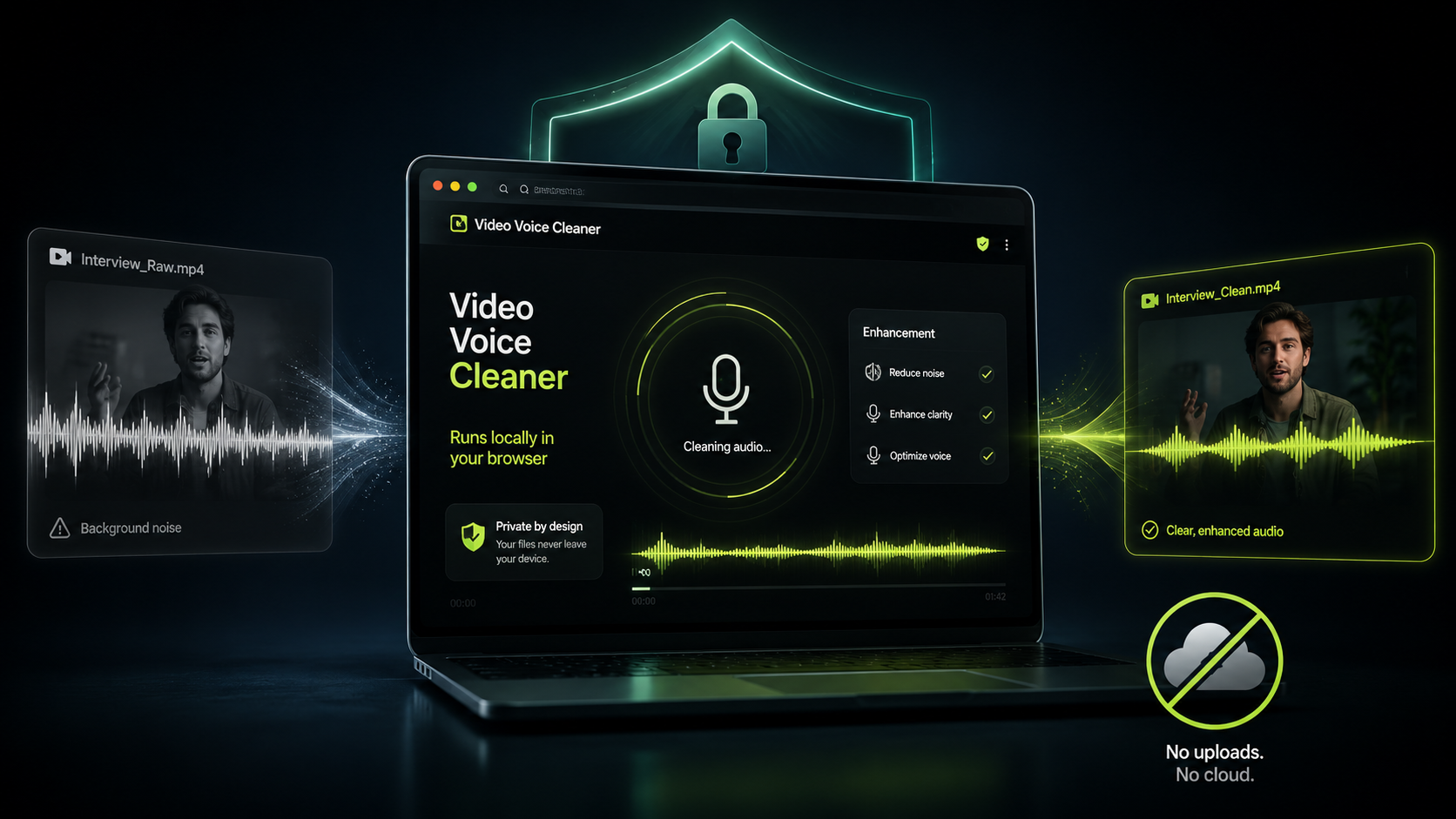
Video Voice Cleaner uses local browser audio processing to clean speech without sending your recording to a remote server. When you select a video or audio file, the processing takes place on your own computer, tablet or phone. Your recording remains on your device throughout the cleaning process. This privacy-first approach is particularly useful for interviews, family recordings, work presentations, client material and other files that you may not want stored online. It also removes the need to wait while a large video uploads before processing can begin. Video Voice Cleaner turns the browser into the audio-processing environment rather than treating it as a gateway to somebody else’s computer.
What Local Browser Audio Processing Means
Many online audio-cleaning services follow a cloud-based workflow. You upload a file, the company processes it on its servers, and you download the finished version when the work is complete. Video Voice Cleaner follows a different model because the audio-cleaning software is loaded directly into your browser. Once the application has loaded, your device performs the demanding calculations needed to identify speech and reduce unwanted noise. The original file is not transferred to Video Voice Cleaner for analysis or storage. This means the word “upload” would be misleading, even though selecting a file may feel similar to uploading one on another website.
The difference matters because a video file can contain much more than its visible subject. Recordings may capture private conversations, confidential business information, children, personal surroundings or location details. Uploading such material to an external service requires a degree of trust in its storage policies, security arrangements and deletion procedures. Local processing reduces that concern because the file stays under your control. Video Voice Cleaner does not need to store your original recording or maintain a library of processed files. When the browser session ends, there is no remote copy waiting on a Video Voice Cleaner server.
How Video Voice Cleaner Works Inside the Browser
Modern web browsers can perform tasks that would once have required conventional desktop software. Video Voice Cleaner uses WebAssembly to run high-performance audio-processing code within the browser environment. WebAssembly allows complex software to operate efficiently across different operating systems without requiring a traditional installation package. The application extracts the audio track from your recording, processes the sound, and then creates a new downloadable file. All of these stages take place on the device you are already using. The browser provides the interface, file access and processing environment needed to complete the job.
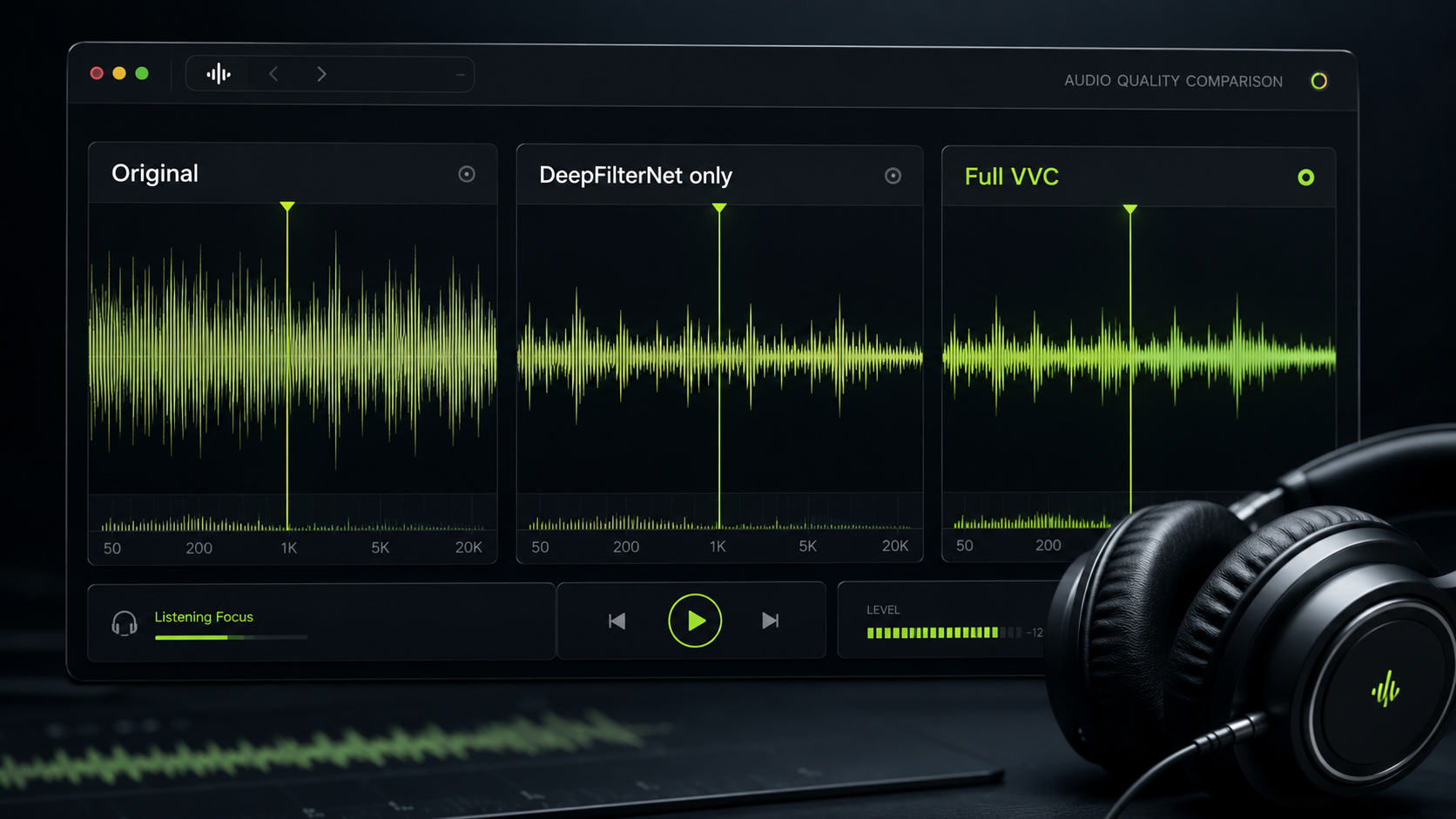
The underlying speech-cleaning system is designed to distinguish spoken voice from competing background sound. It can reduce persistent noise such as traffic, wind, fans, room ambience and general environmental interference. The system is not simply lowering the volume whenever speech stops because that would leave noise mixed into every spoken word. Instead, it analyses the sound and attempts to preserve intelligibility while reducing elements that do not belong to the voice. This is a computationally demanding process, particularly when the original recording is long or has a high resolution. Running that workload locally gives users privacy, but it also means performance depends on the hardware available.
Why Processing Speed Varies Between Devices
A powerful desktop computer will usually process a recording more quickly than an older laptop, budget phone or tablet. The browser must use the processor and memory available on the device, rather than borrowing computing power from a remote data centre. Longer recordings naturally require more work because every section of the audio must be analysed and reconstructed. High-resolution video files can also take longer to prepare and export, even though the audio track itself may be relatively small. Other open applications, limited memory and power-saving settings may affect performance as well. These differences are a natural consequence of local browser audio processing rather than evidence that a file has stalled.
Mobile devices can produce surprisingly strong results, but they face tighter restrictions on memory, temperature and background activity. A phone may slow itself down during a long processing job to prevent overheating or excessive battery consumption. Tablets can behave differently again, particularly when their browsers impose limits on large files. For the most reliable experience, users should keep the browser tab open and avoid switching repeatedly between demanding applications. A stable modern browser and sufficient free storage also help prevent interruptions during export. Video Voice Cleaner will continue to improve its handling of different devices as feedback from real-world testing becomes available.
Why Results Can Differ Between Browsers
Chrome, Edge, Firefox and Safari do not all handle audio, video and WebAssembly in exactly the same way. Each browser uses its own media systems, memory rules and implementation of web standards. A recording that processes quickly in desktop Chrome may take longer in Safari on an iPad. Android Chrome may behave differently from the browser supplied by a phone manufacturer. Export formats and codec support can also vary between platforms. These differences are one reason Video Voice Cleaner is being tested across as many devices and browsers as possible before a wider public release.
Using a current version of Chrome or Edge on a desktop or laptop will usually provide the strongest starting point. That does not mean other browsers are unsupported, but some combinations may encounter limitations with unusually large or complex files. The Known Issues page records problems that have already been identified and provides practical advice where possible. Beta users play an important role because browser compatibility cannot be judged from laboratory testing alone. Real recordings expose unusual codecs, variable frame rates, damaged metadata and other complications. Every useful report helps make the application more dependable for the next person.
Local Processing Improves Privacy, but It Also Simplifies the Experience
Privacy is the clearest advantage of keeping recordings on the user’s device, but it is not the only one. Uploading a large video can take longer than processing it, especially on a slow or unstable internet connection. Cloud services may also impose upload limits because storage and data transfer cost money. Video Voice Cleaner does not need to copy an entire recording across the internet before it can begin working. Once the application itself has loaded, the main task is handled locally. This makes the service practical in places where broadband speed is limited but the device itself remains capable.
Local processing also avoids the awkward question of how long an uploaded file remains on a company’s server. Some services delete files automatically, while others retain them temporarily for technical or commercial reasons. Users may not always read those policies before submitting a sensitive recording. Video Voice Cleaner removes much of that uncertainty by not requesting the recording in the first place. The user chooses the source file, starts the process, reviews the result and saves the cleaned version. The workflow remains visible and under the user’s control from beginning to end.
What Video Voice Cleaner Can and Cannot Fix
Audio cleaning can make a major difference, but it cannot recover information that was never captured clearly. If speech is completely masked by a sudden loud sound, no application can recreate every missing word with certainty. Heavy distortion, clipping and severe microphone damage may also limit the quality of the result. Video Voice Cleaner works best when the speaker can still be heard beneath the unwanted noise. Wind, traffic, crowd sound and room ambience are good examples of problems that may be reduced when the original voice remains present. The aim is clearer, more usable speech rather than an artificially perfect studio recording.
Results should always be judged by listening rather than by assuming stronger processing must be better. Very aggressive noise reduction can make speech sound thin, metallic or unnatural. A balanced result preserves the character of the speaker while reducing distractions around them. Different recordings may therefore benefit from different settings as the application develops. Beta testing helps identify where the current processing works well and where further adjustment is required. Honest limitations are important because useful audio software should improve recordings without making impossible promises.
Try Video Voice Cleaner in Your Browser
Video Voice Cleaner was built for people who record useful video in imperfect conditions. A phone can capture excellent pictures while its microphone struggles with wind, traffic, waves, crowds or echo. The application offers a straightforward way to improve that speech without buying specialist editing software or uploading personal footage to a remote service. Select a recording, allow the browser to process it, and compare the cleaned result with the original. The current beta is also an opportunity to report device-specific issues and help shape future versions. Visit the Video Voice Cleaner app to test local browser audio processing on one of your own recordings.